INTERSECT
Overview
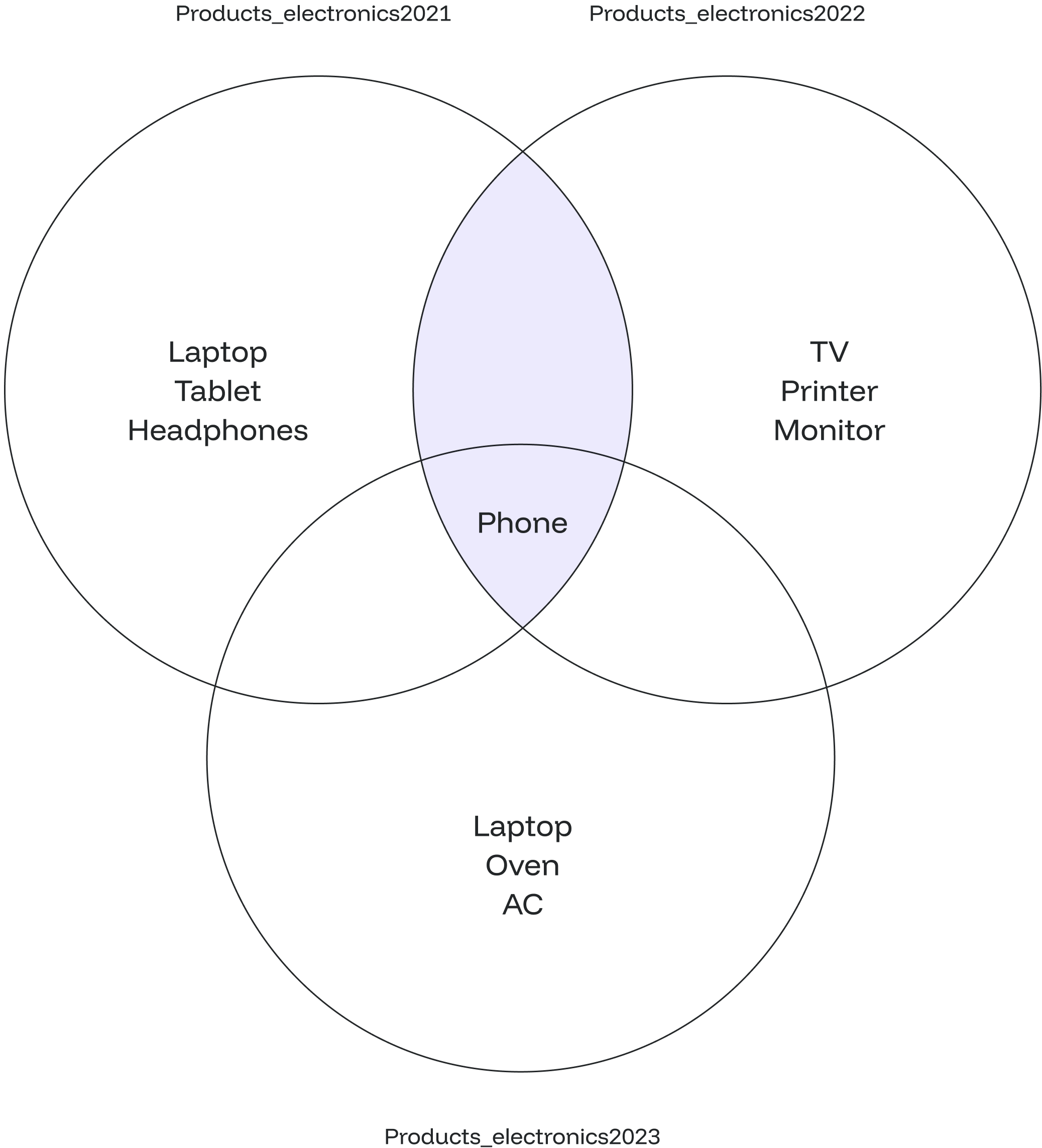
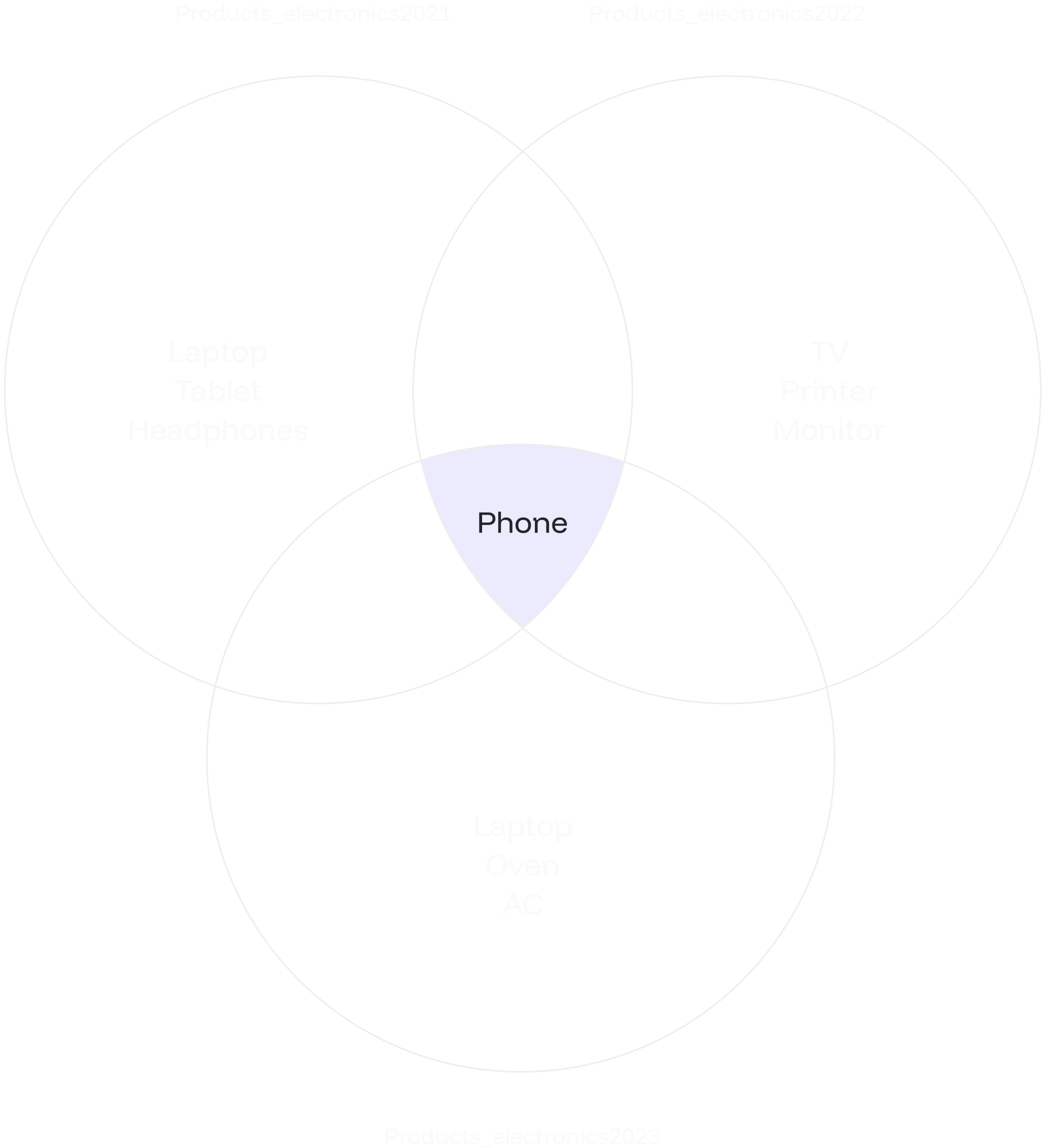
TheINTERSECT combines the result sets of two or more SELECT statements, retrieving only the common rows between them. Unlike UNION, which combines all rows and removes duplicates, INTERSECT focuses on returning rows that appear in all SELECT statements.
Syntax
The syntax for theINTERSECT is as follows:
value1, value2, ... value_n: The columns you want to retrieve. You can also useSELECT * FROMto retrieve all columns.table1, table2: The tables from which you wish to retrieve records.
The data types of corresponding columns must be compatible.
Example
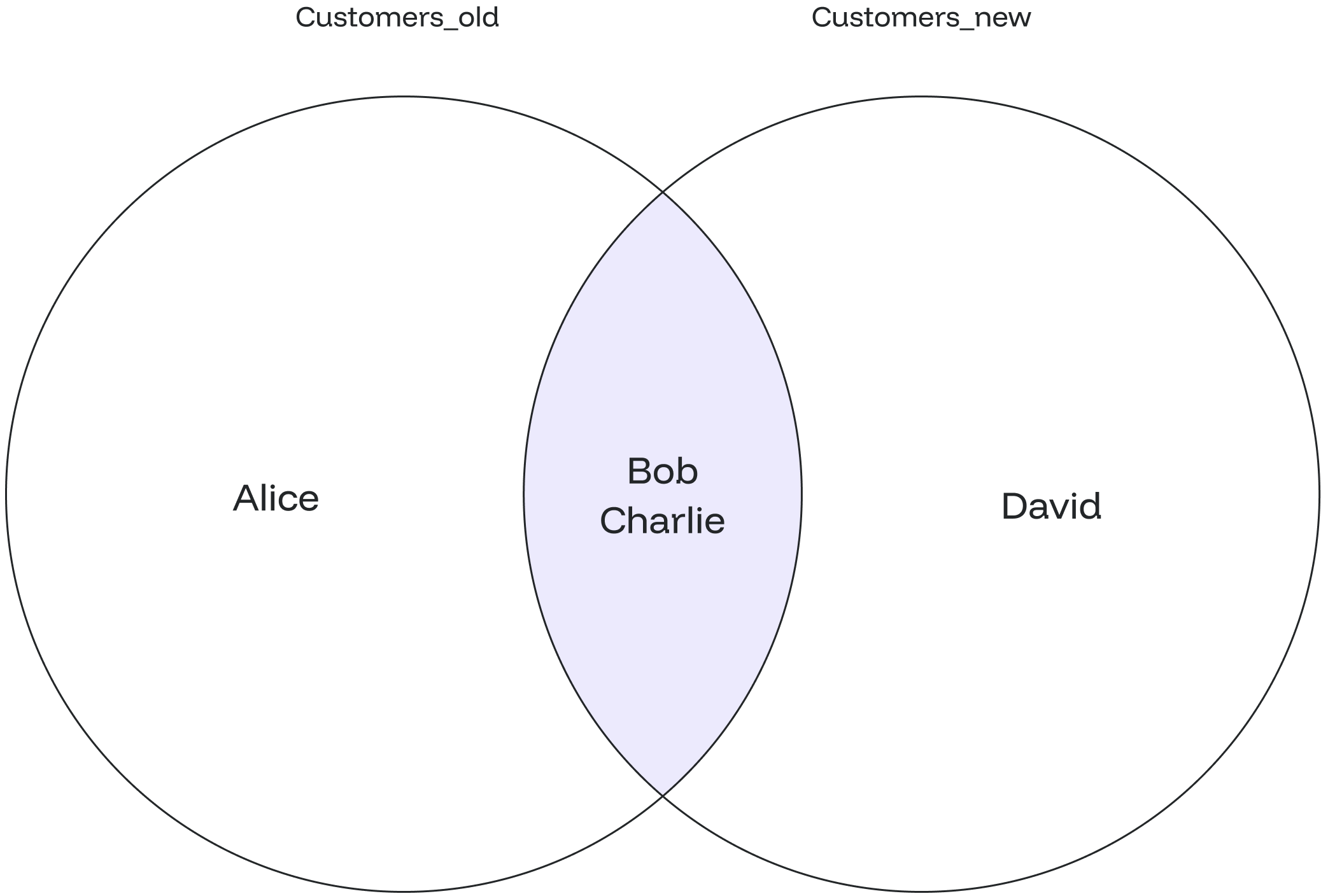
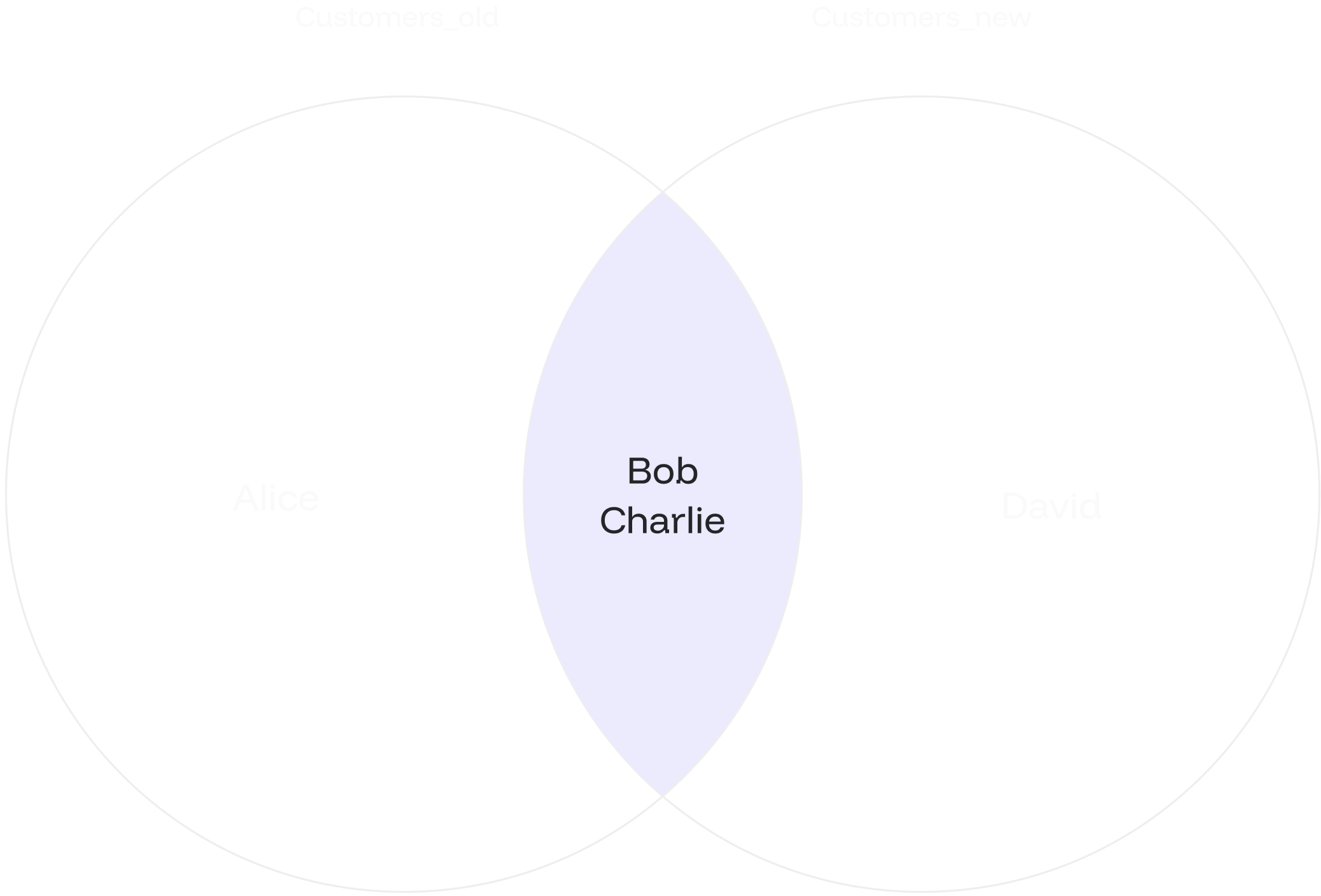
Suppose you have two tables:customers_old and customers_new, containing customer data for different periods. You want to find the customers who are present in both tables:
INTERSECT:
INTERSECT ALL
Overview
TheINTERSECT ALL retrieves all common rows between two or more tables, including duplicates.
This means that if a row appears multiple times in any of the SELECT statements, it will be included in the final result set multiple times.
Syntax
The syntax forINTERSECT ALL is similar to INTERSECT:
value1, value2, ... value_n: The columns you wish to retrieve. You can also retrieve all the values using theSELECT * FROMquery.table1, table2: The tables from which you want to retrieve records.
The data types of corresponding columns in the
SELECT queries must be compatible.Example
Let’s create three tables of products from different years. You want to find the common products among all three categories, including duplicates.INTERSECT ALL: