

EXCEPT
Overview
TheEXCEPT combines the result sets of two or more tables and retrieves rows specific to the first SELECT statement but not present in the subsequent ones.
Syntax
The syntax for theEXCEPT is as follows:
value1, value2, ... value_n: The columns you want to retrieve.table1, table2: The tables from which you wish to retrieve records.
Example
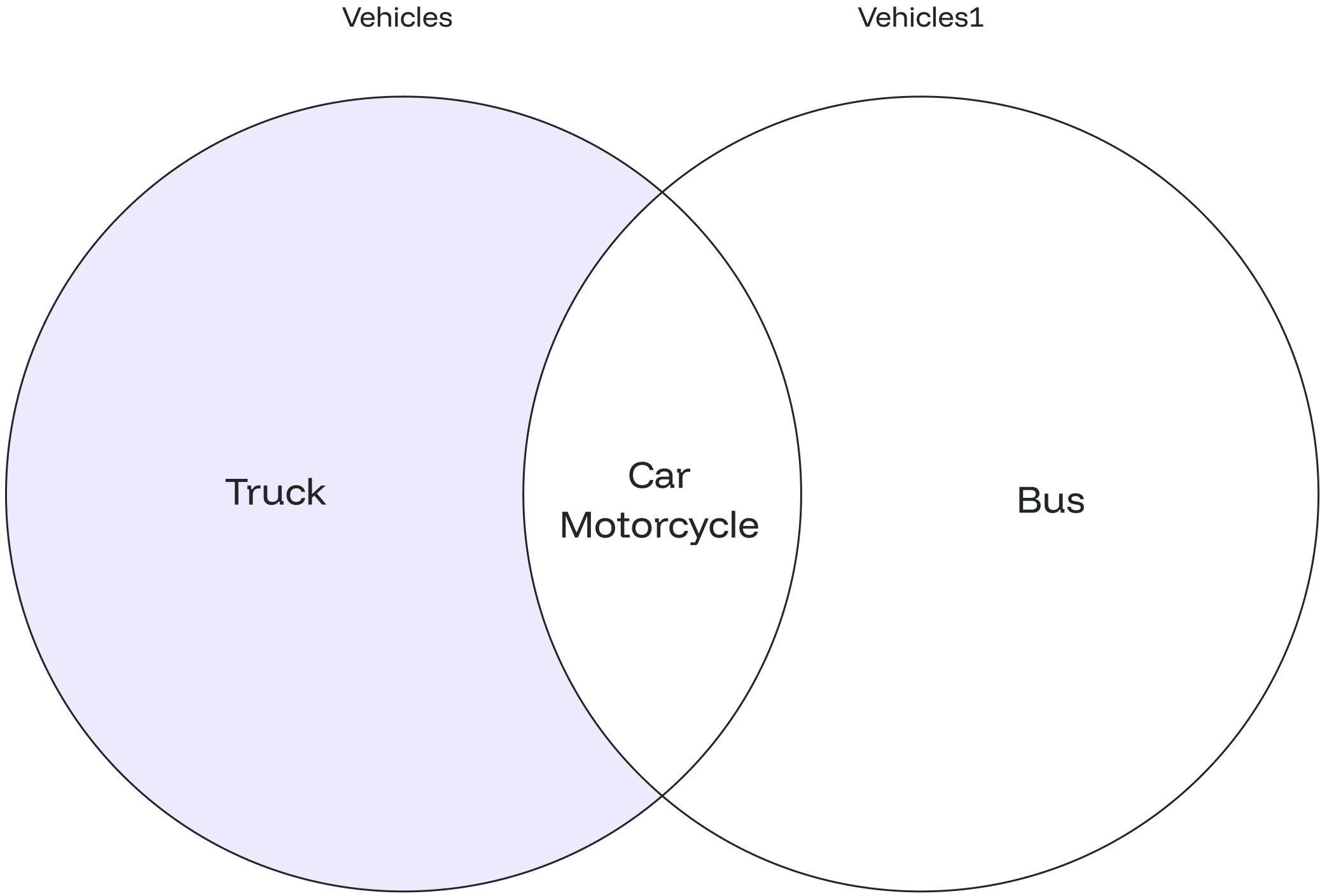
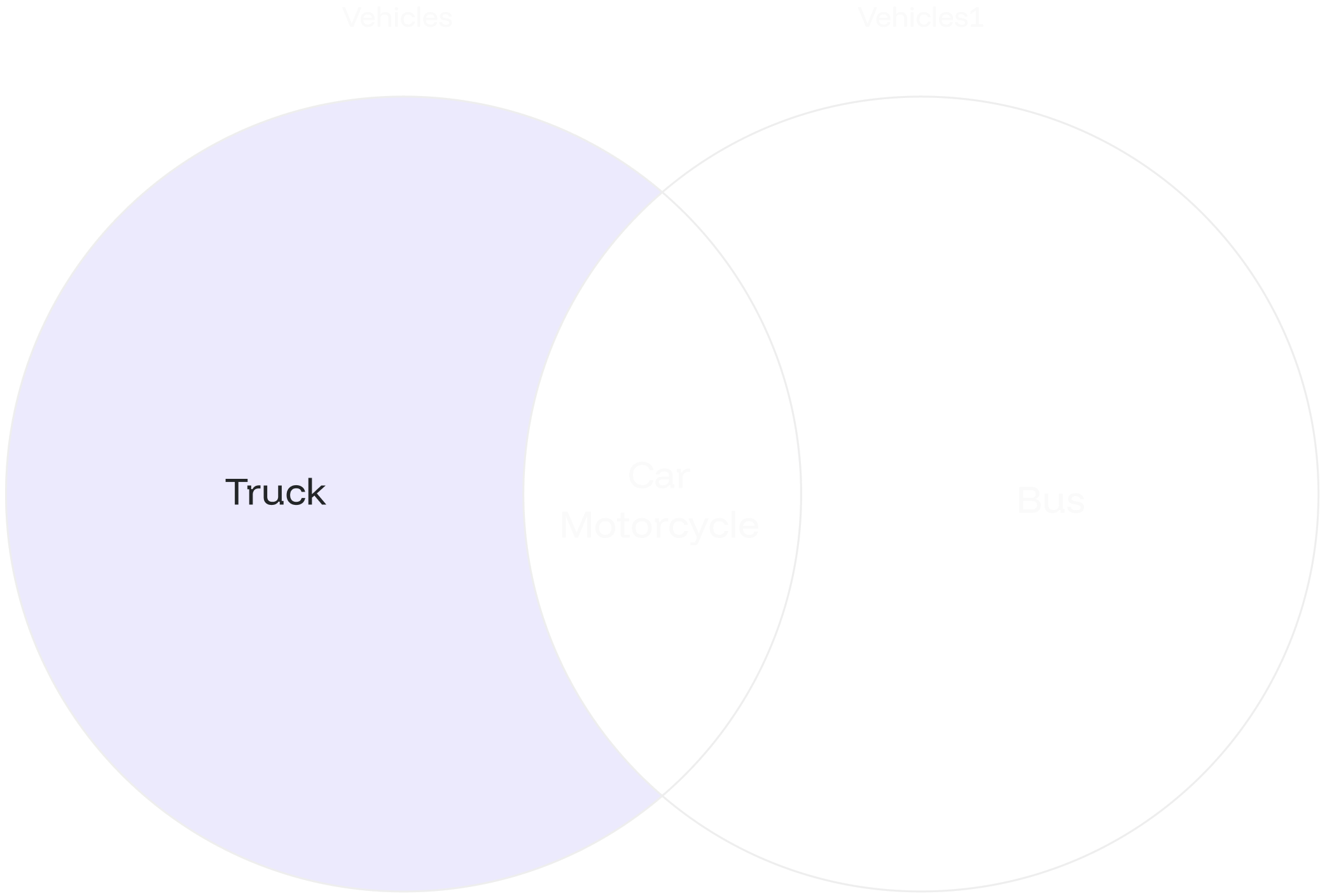
Let’s assume you have two tables:vehicles and vehicles1. You want to find the vehicle which was present in 2021 but is not present in 2022:
EXCEPT to find employees present in 2021 but not in 2022:
vehicles) but not found in the second table (vehicles1). In this case, the result is the vehicle name “Truck.”
EXCEPT ALL
Overview
TheEXCEPT ALL allows you to find rows specific to the first SELECT statement while preserving duplicate entries.
Syntax
The syntax for theEXCEPT ALL is similar to EXCEPT:
value1, value2, ... value_n: The columns you want to retrieve.table1, table2: The tables from which you wish to retrieve records.
The data types of corresponding columns in the
SELECT queries must be compatible.Example #1
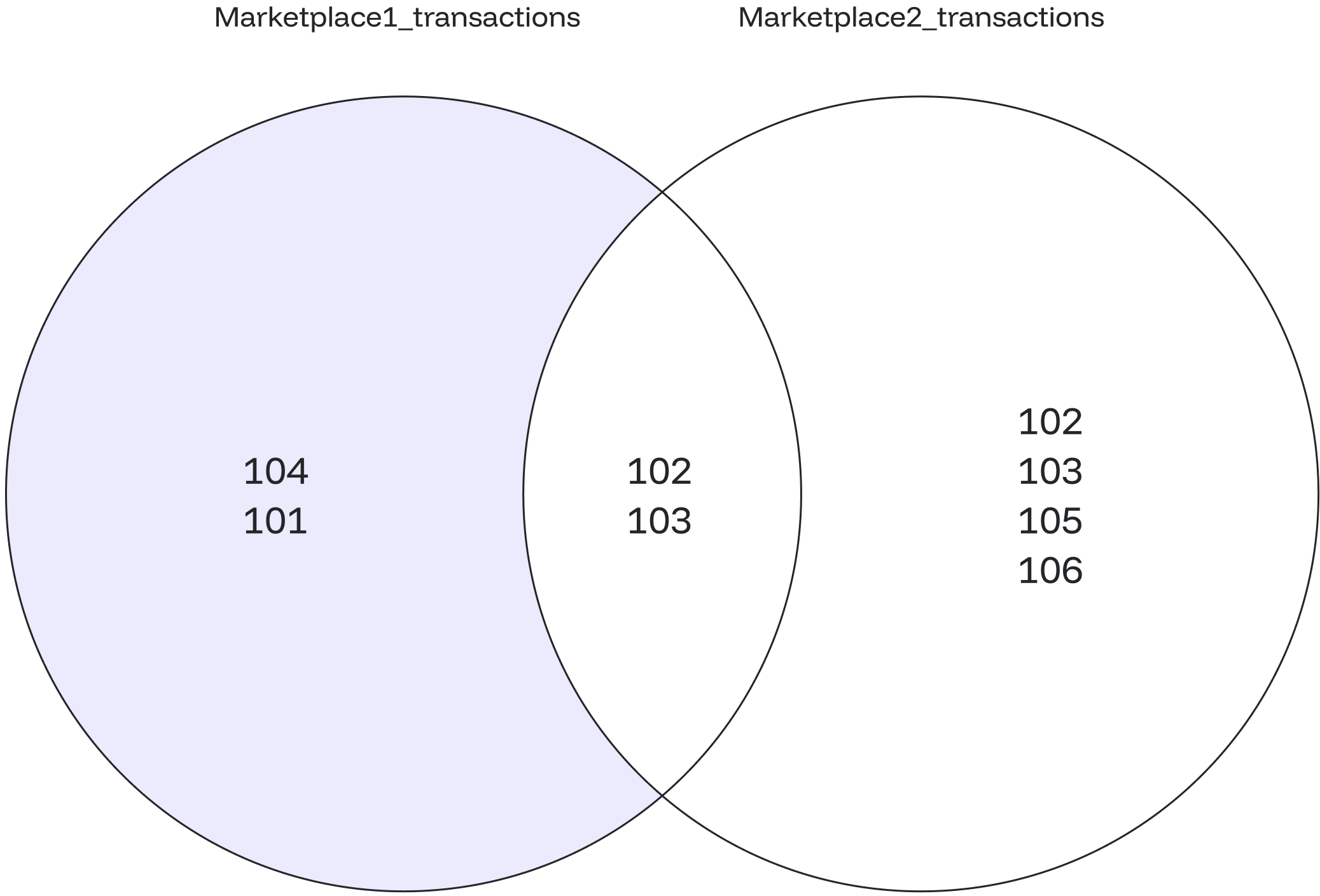
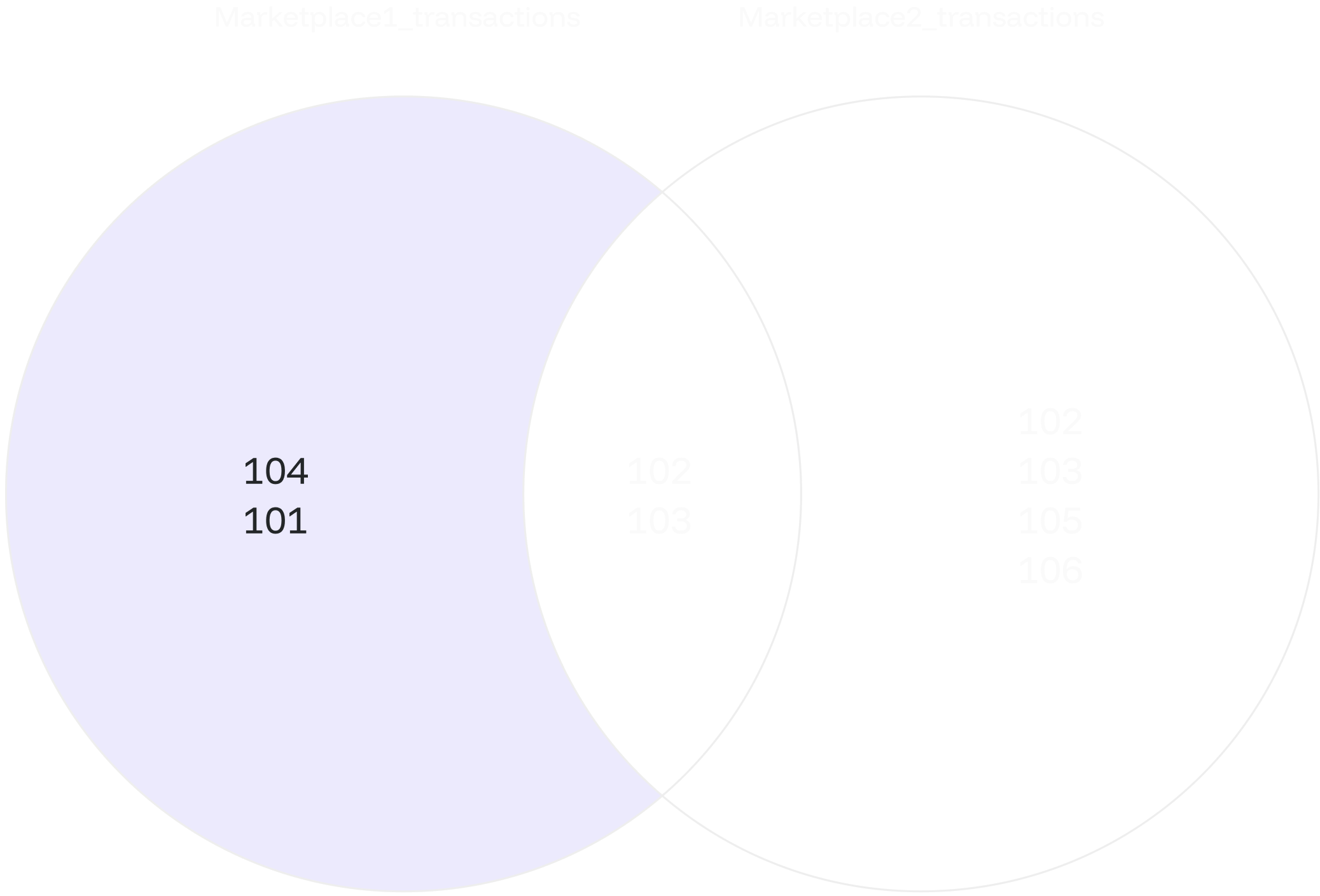
You aim to identify customers who have bought products from one marketplace but have not purchased from another. Start by creating the tables and populating them with relevant data.EXCEPT ALL to find customers who have purchased products from one marketplace but not from the other:
customer_id who has only transacted in the first marketplace and has not engaged in any corresponding transactions in the second marketplace.
marketplace1_transactions) but missing in the second marketplace (marketplace2_transactions).
Example #2
Let’s create two tables,left_array_values and right_array_values, to hold sets of values.
EXCEPT ALL operation to compare the values within the arrays, focusing on unique elements while retaining duplicate entries.
EXCEPT ALL operation processes each element individually from both inputs at a time. The comparison occurs element-wise, leading to the inclusion of both 1 and 3 in the final result.