Overview
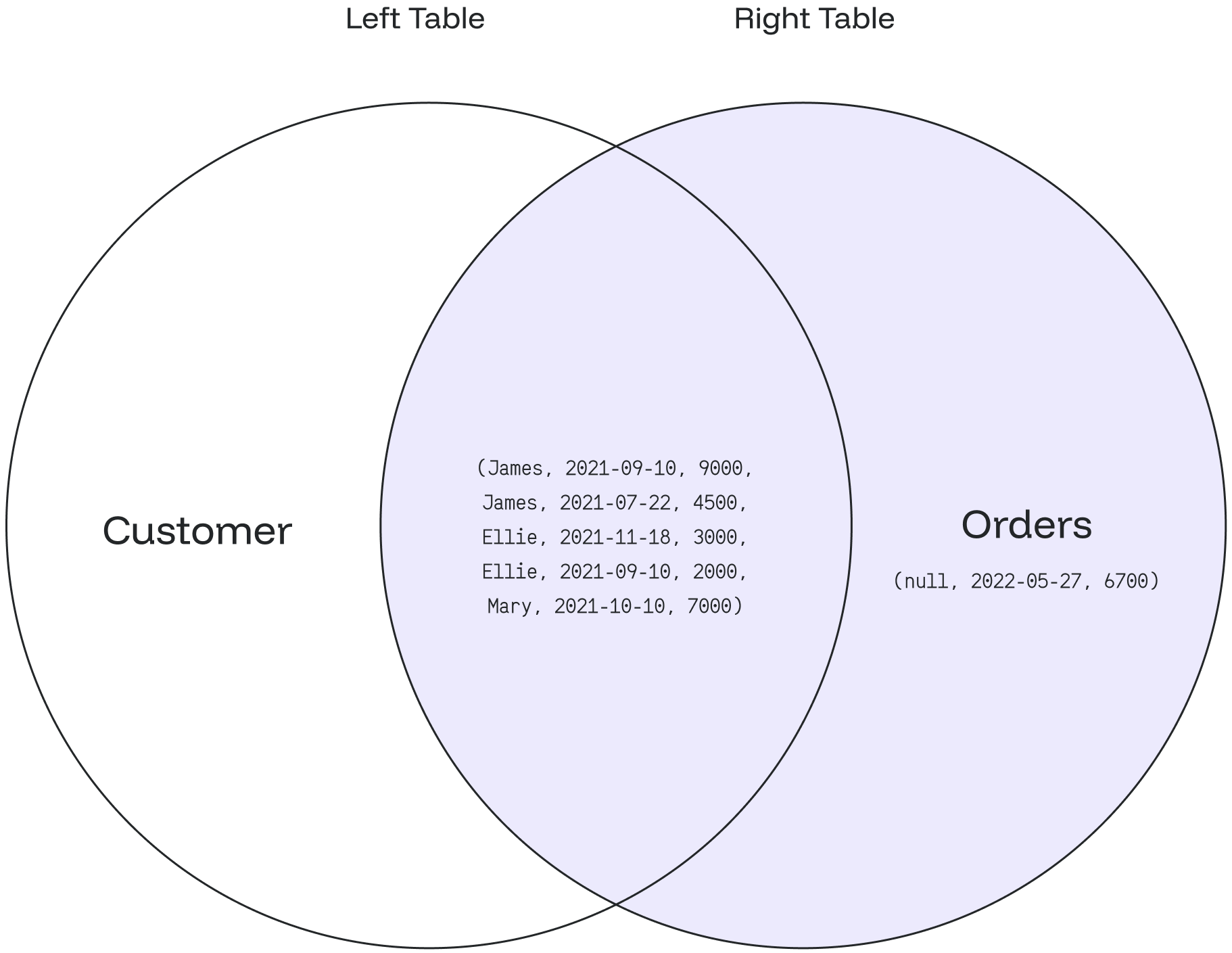
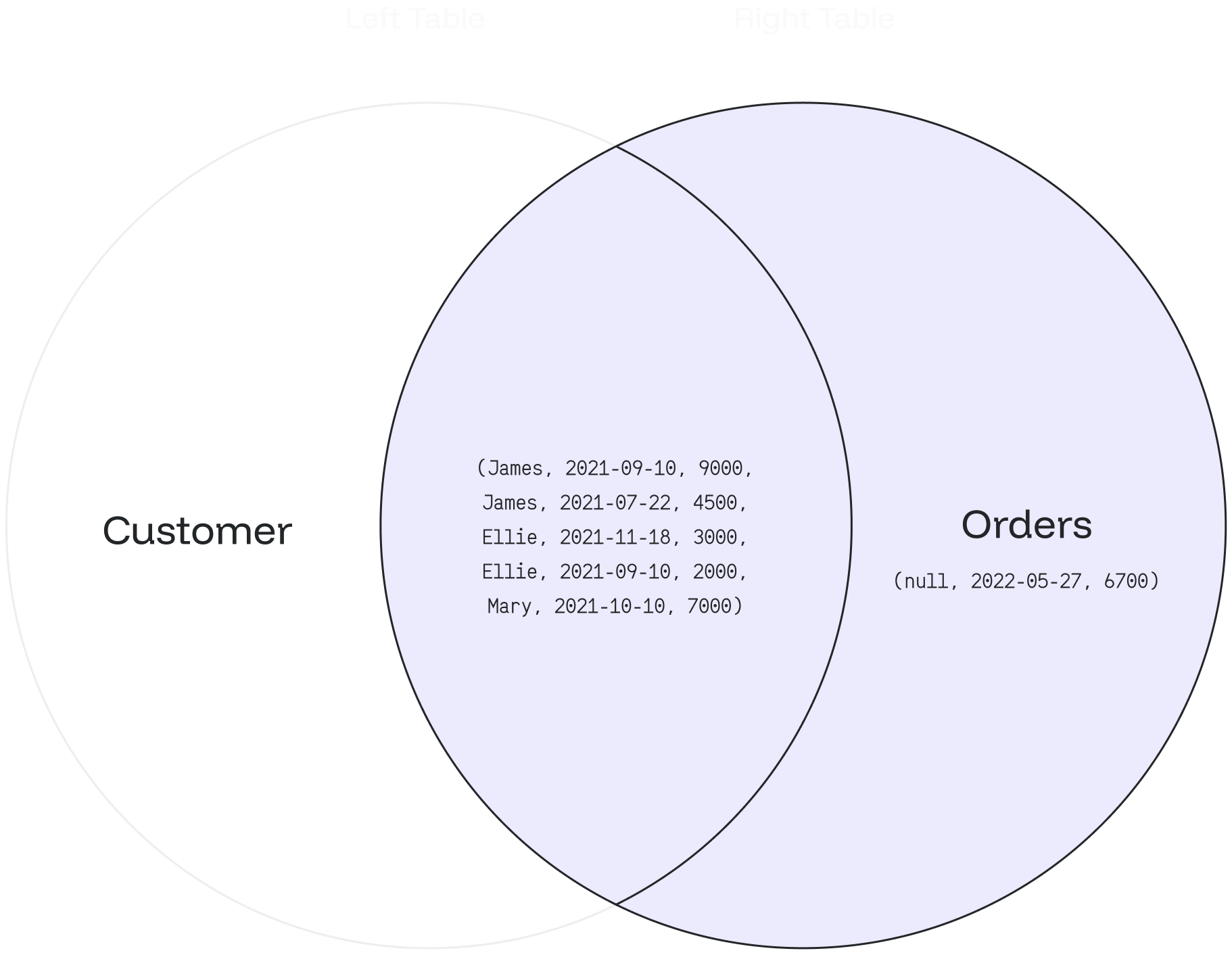
TheRIGHT JOIN returns all matching records from the right table combined with the left table. Even if there are no match records in the left table, the RIGHT JOIN will still return a row in the result, but with NULL in each column from the left table.
Syntax
a) Basic Syntax
SELECT column_1, column_2...defines the columns from both tables where we want to display data.FROM table_1, defines the left table with table_1 in the FORM clause.RIGHT JOIN table_2defines the right table with table_2 in the RIGHT JOIN condition.ON table_1.matching_field = table2.matching_fieldsets the join condition after the ON keyword with the matching field between the two tables.
b) Syntax with an Alias
You can use an alias to refer to the table’s name. The results will stay the same. It only helps to write the query easier.Example
customer table- Based on the above tables, we can write a
RIGHT JOINquery as follows:
- The customer= left table and the orders = right table.
- Then it combines the values from the orders table using the customer_id and matches the records using the id column from the customer table.
- If the records are equal, a new row will be created with
customer_nameandorder_amountcolumns as defined in theSELECTclause. - ELSE will still create a new row with a
NULLvalue from the left table (customer).
- The above query will give the following result:
- The order id:
181893matches the customer:Ellie. - The order id:
181894matches the customer:Ellie. - The order id:
181891matches the customer:James. - The order id:
181899matches the customer:James. - The order id:
181892matches the customer:Mary. - The order id:
181897doesn’t match with any customer. Thus the customer_name column is filled with:null.
A customer can have zero or many orders. An item from orders belongs to zero or one customer.
RIGHT JOIN: