Overview
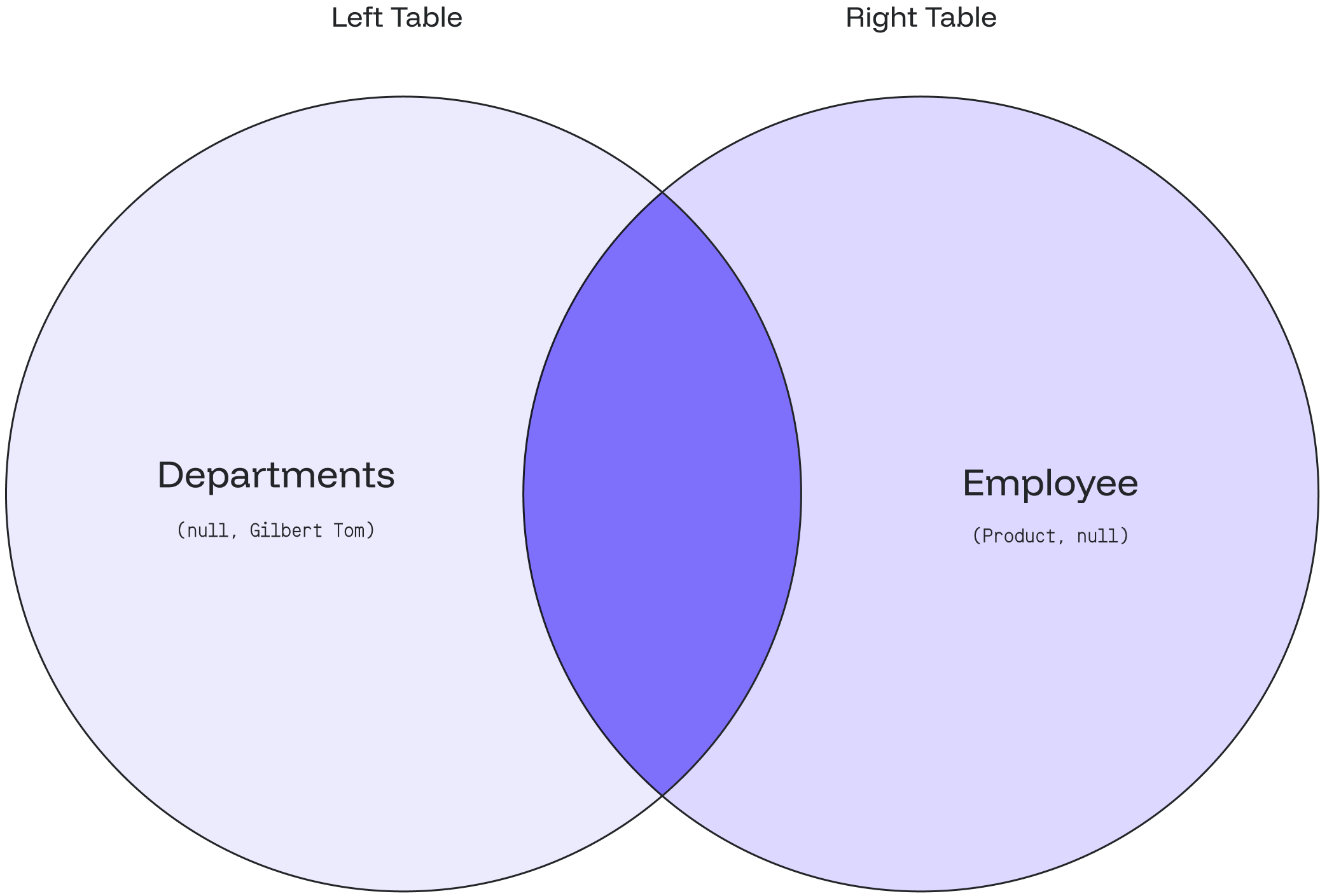
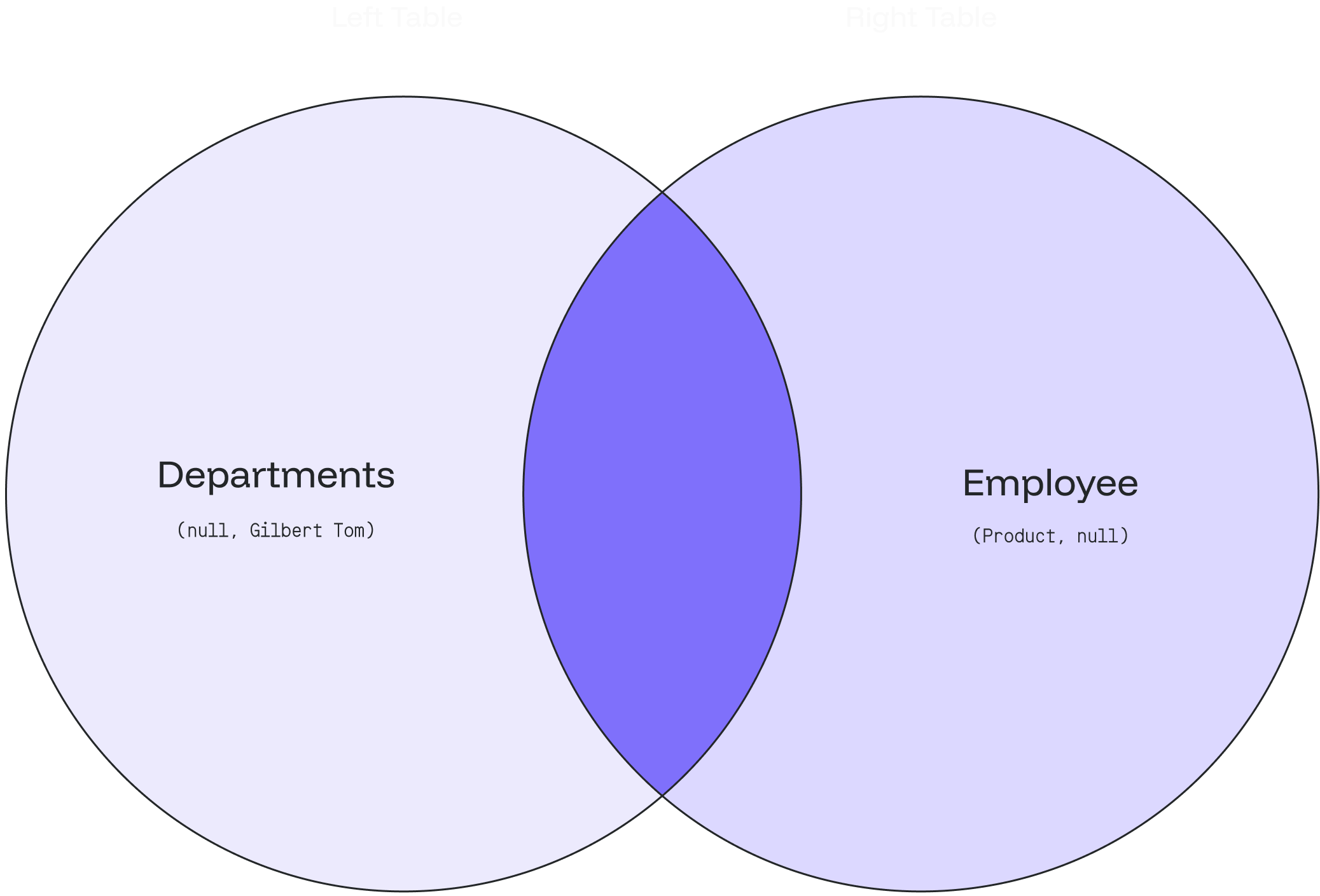
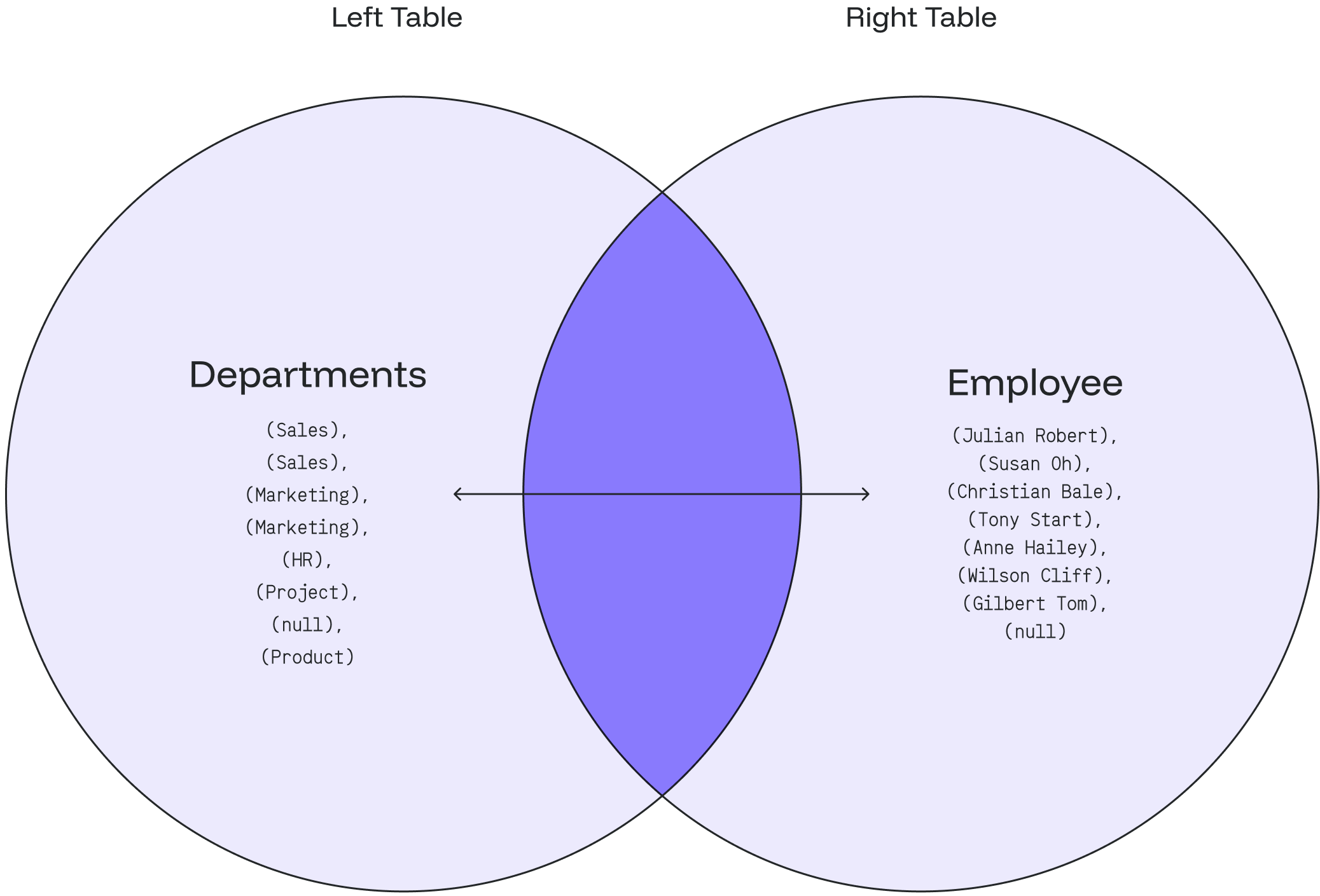
TheOUTER JOIN or FULL OUTER JOIN returns all the records from the selected fields between the two tables (left table & right table) whether the join condition is met or not.
Inner Join vs. Outer Join
The most significant difference between anINNER JOIN and an OUTER JOIN is that the INNER JOIN only returns the information from both tables which are common and related to each other. The OUTER JOIN will return all rows (matched/unmatched) from both tables.
Syntax
Basic Syntax
SELECT column_1, column_2...defines the columns from both tables where we want to display data.FROM table_1represents the left table with table_1 in the FROM clause.FULL OUTER JOIN table_2represents the right table with table_2 in the FULL OUTER JOIN condition.ON table_1.matching_field = table2.matching_fieldsets the join condition after the ON keyword with the matching field between the two tables.
Syntax with an Alias
You can use an alias to refer to the table’s name. The results will stay the same. It only helps to write the query easier.If there are no matched records from the joined tables, the
NULL values will return in every column of the table that doesn’t have the matching record.Example
departments tableCase 1: FULL OUTER JOIN
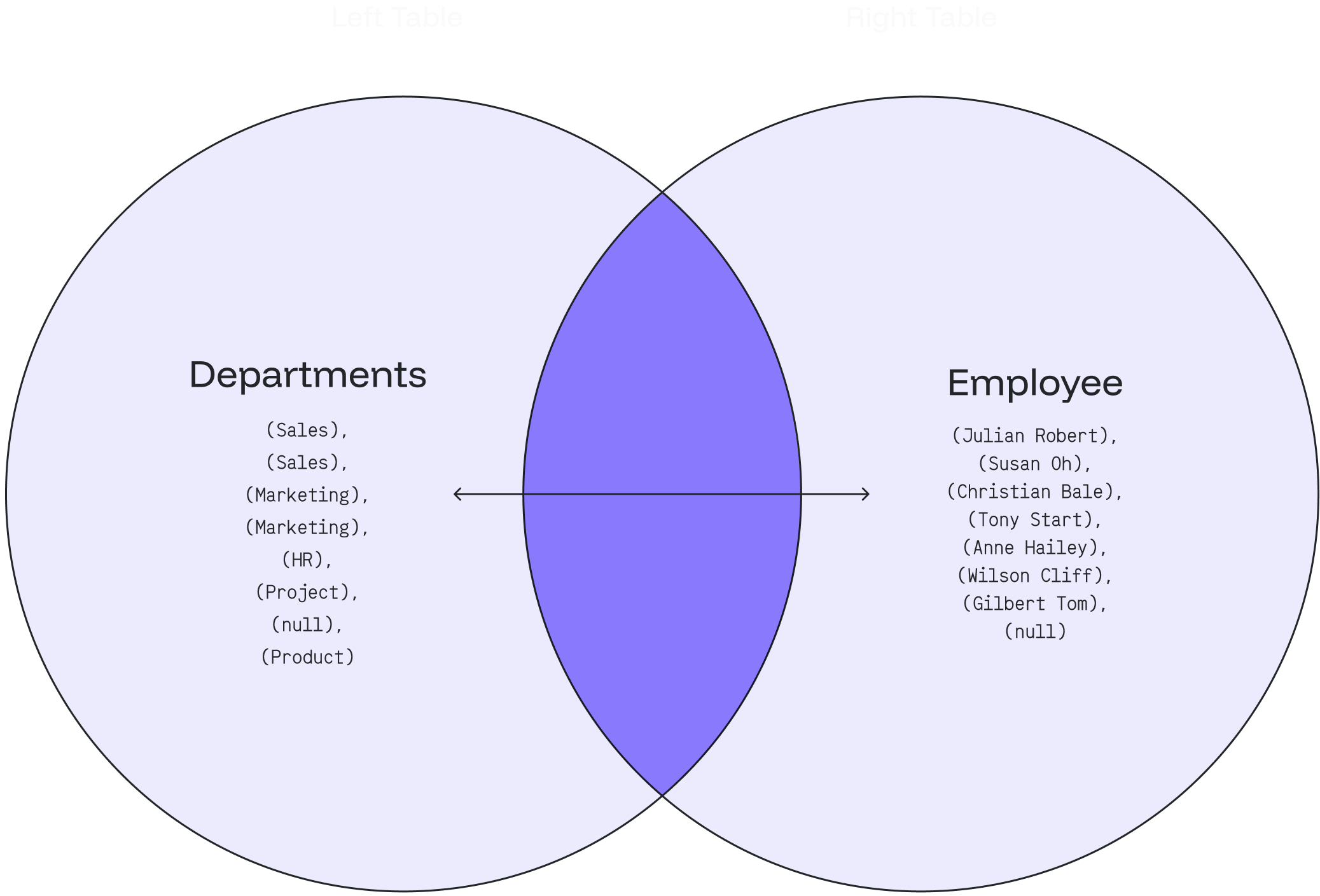
1) Based on the above tables, we can write anOUTER JOIN query as follows:
Case 2: FULL OUTER JOIN with WHERE Clause
a) Employee
- We can look up the department that does not have any employees by adding a
WHEREclause andNULLas the following query:
- The result will indicate that the Product department doesn’t have any employees 👨🏻💼