> ## Documentation Index
> Fetch the complete documentation index at: https://docs.oxla.com/llms.txt
> Use this file to discover all available pages before exploring further.
# EXCEPT
## EXCEPT
### Overview
The `EXCEPT` combines the result sets of two or more tables and retrieves rows specific to the first `SELECT` statement but not present in the subsequent ones.
### Syntax
The syntax for the `EXCEPT` is as follows:
```sql theme={null}
SELECT value1, value2, ... value_n
FROM table1
EXCEPT
SELECT value1, value2, ... value_n
FROM table2;
```
The parameters from the syntax are explained below:
* `value1, value2, ... value_n`: The columns you want to retrieve.
* `table1, table2`: The tables from which you wish to retrieve records.
### Example
Let's assume you have two tables: `vehicles` and `vehicles1`. You want to find the vehicle which was present in 2021 but is not present in 2022:
```sql theme={null}
CREATE TABLE vehicles (
vhc_id INT,
vhc_name TEXT
);
CREATE TABLE vehicles1 (
vhc_id INT,
vhc_name TEXT
);
INSERT INTO vehicles VALUES
(1, 'Truck'),
(2, 'Car'),
(3, 'Motorcycle');
INSERT INTO vehicles1 VALUES
(2, 'Car'),
(3, 'Bus'),
(4, 'Motorcycle');
```
Display the tables with the query below:
```sql theme={null}
SELECT * FROM vehicles;
SELECT * FROM vehicles1;
```
```sql theme={null}
vhc_id | vhc_name
--------+------------
1 | Truck
2 | Car
3 | Motorcycle
vhc_id | vhc_name
--------+------------
2 | Car
3 | Bus
4 | Motorcycle
```
Using the `EXCEPT` to find employees present in 2021 but not in 2022:
```sql theme={null}
SELECT vhc_name FROM vehicles
EXCEPT
SELECT vhc_name FROM vehicles1;
```
The result will include the names of employees who were present in 2021 but are not present in 2022:
```sql theme={null}
vhc_name
----------
Truck
```
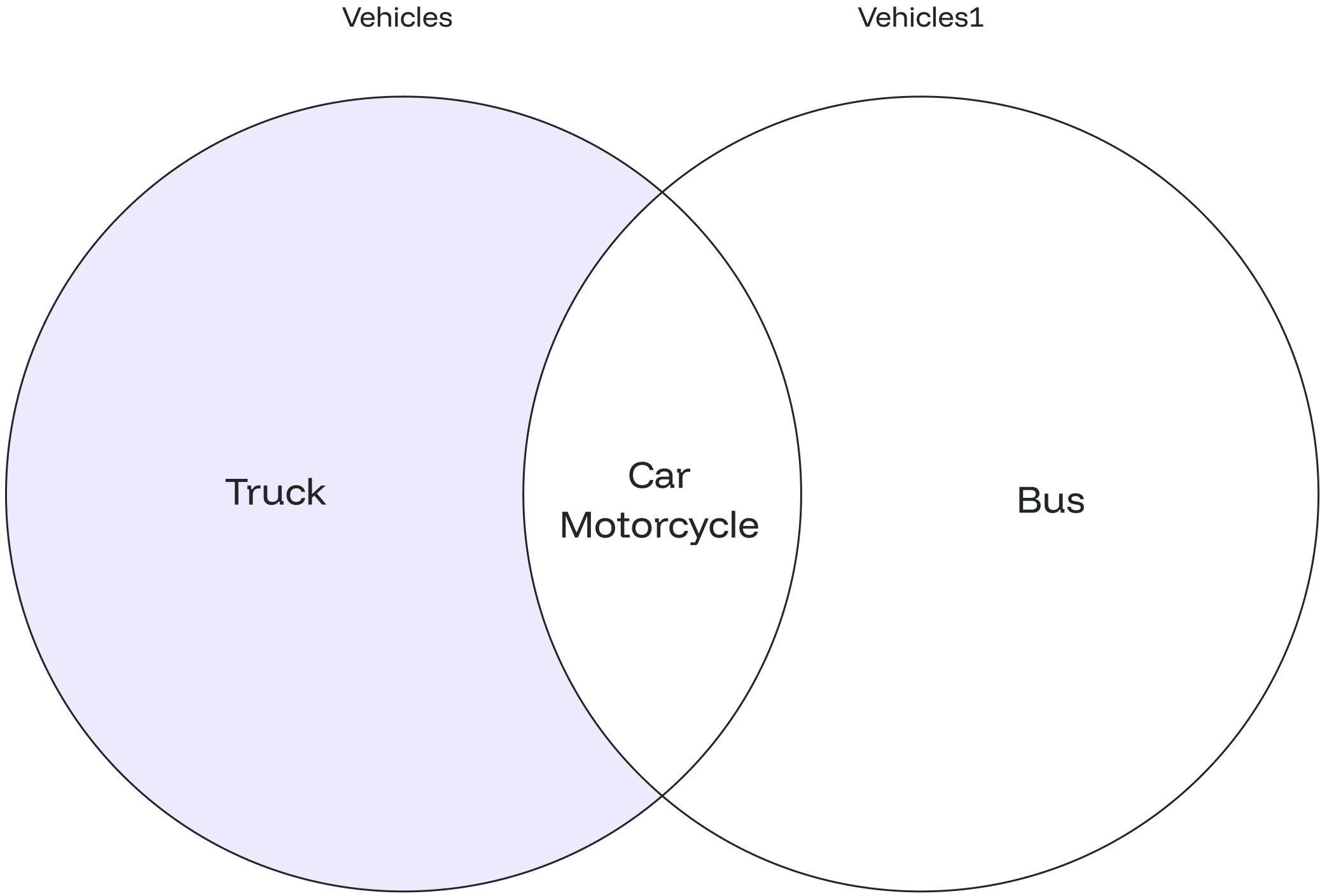
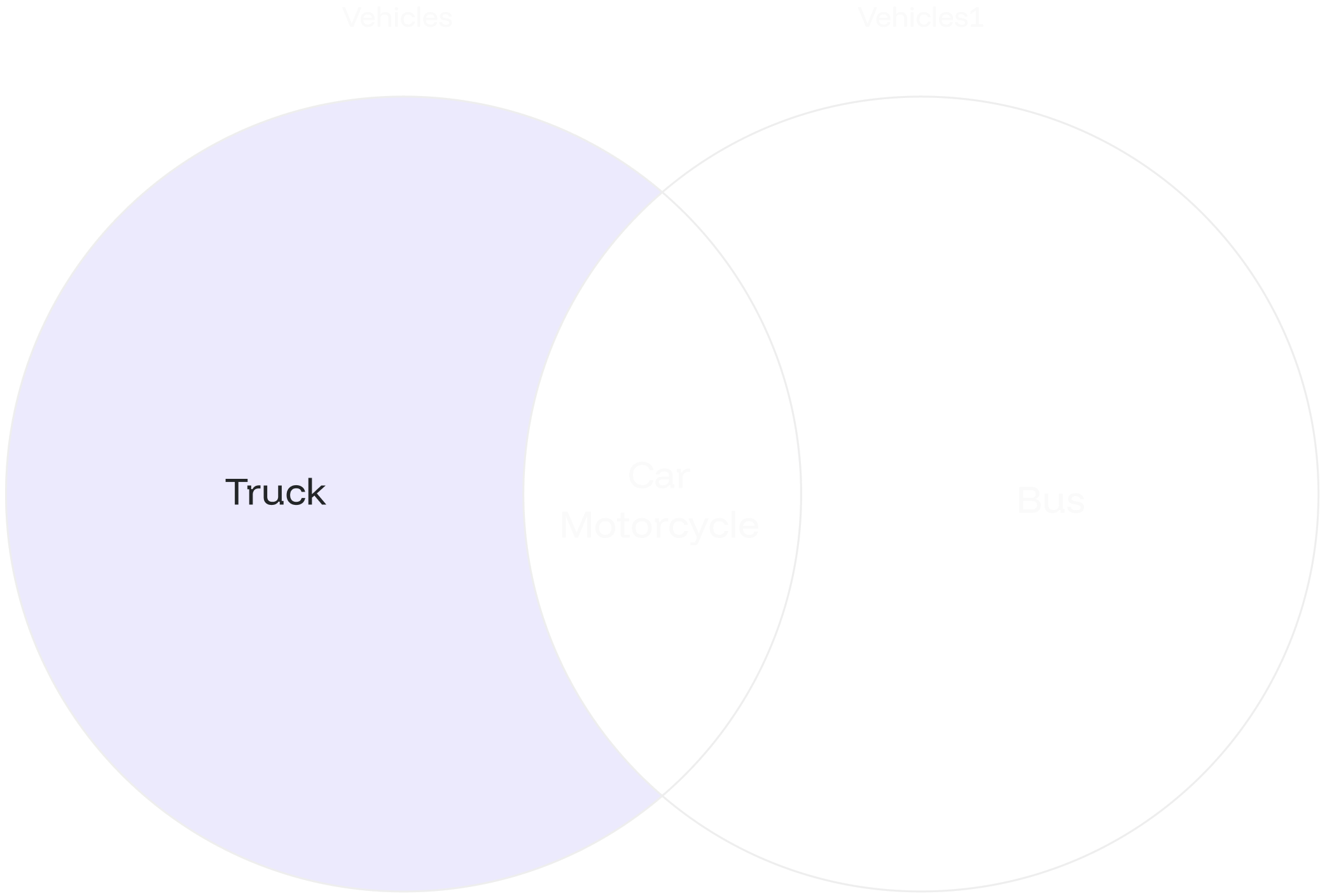
From the diagram below, we learn that the result is a list of vehicle names present in the first table (`vehicles`) but not found in the second table (`vehicles1`). In this case, the result is the vehicle name "Truck."
 ## EXCEPT ALL
### Overview
The `EXCEPT ALL` allows you to find rows specific to the first `SELECT` statement while preserving duplicate entries.
### Syntax
The syntax for the `EXCEPT ALL` is similar to `EXCEPT`:
```sql theme={null}
SELECT value1, value2, ... value_n
FROM table1
EXCEPT ALL
SELECT value1, value2, ... value_n
FROM table2;
```
The parameters from the syntax are explained below:
* `value1, value2, ... value_n`: The columns you want to retrieve.
* `table1, table2`: The tables from which you wish to retrieve records.
The data types of corresponding columns in the `SELECT` queries must be compatible.
### Example #1
You aim to identify customers who have bought products from one marketplace but have not purchased from another. Start by creating the tables and populating them with relevant data.
```sql theme={null}
CREATE TABLE marketplace1_transactions (
customer_id INT,
product_id INT,
amount FLOAT
);
CREATE TABLE marketplace2_transactions (
customer_id INT,
product_id INT,
amount FLOAT
);
INSERT INTO marketplace1_transactions VALUES
(101, 1, 100.00),
(102, 2, 150.00),
(103, 3, 200.00),
(104, 1, 120.00);
INSERT INTO marketplace2_transactions VALUES
(102, 3, 180.00),
(103, 2, 160.00),
(105, 4, 90.00),
(106, 1, 110.00);
```
Display the tables using the query below:
```sql theme={null}
SELECT * FROM marketplace1_transactions;
SELECT * FROM marketplace2_transactions;
```
```sql theme={null}
customer_id | product_id | amount
-------------+------------+--------
101 | 1 | 100
102 | 2 | 150
103 | 3 | 200
104 | 1 | 120
customer_id | product_id | amount
-------------+------------+--------
102 | 3 | 180
103 | 2 | 160
105 | 4 | 90
106 | 1 | 110
```
Using the `EXCEPT ALL` to find customers who have purchased products from one marketplace but not from the other:
```sql theme={null}
SELECT customer_id FROM marketplace1_transactions
EXCEPT ALL
SELECT customer_id FROM marketplace2_transactions;
```
This result will show a `customer_id` who has only transacted in the first marketplace and has not engaged in any corresponding transactions in the second marketplace.
```sql theme={null}
customer_id
-------------
104
101
```
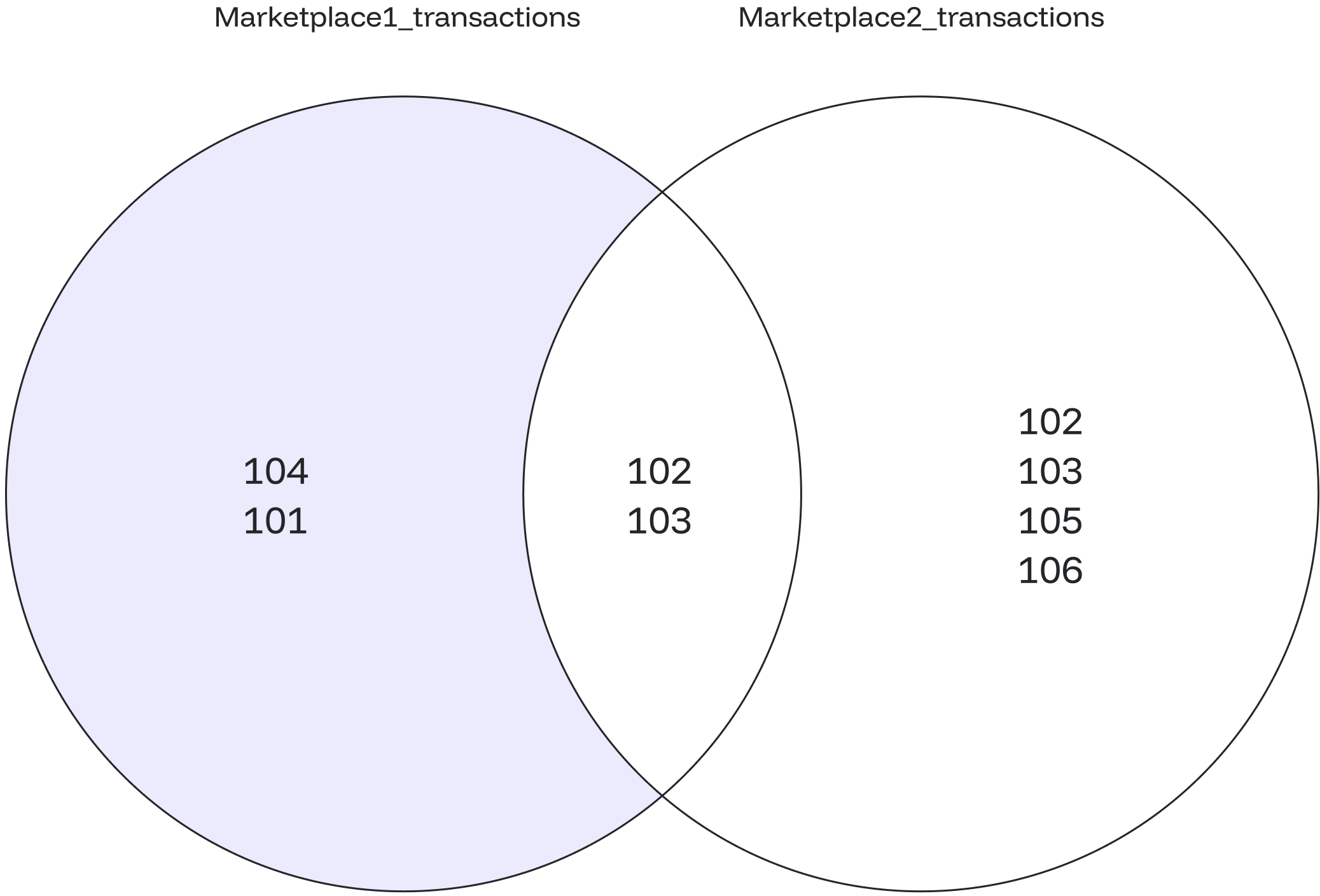
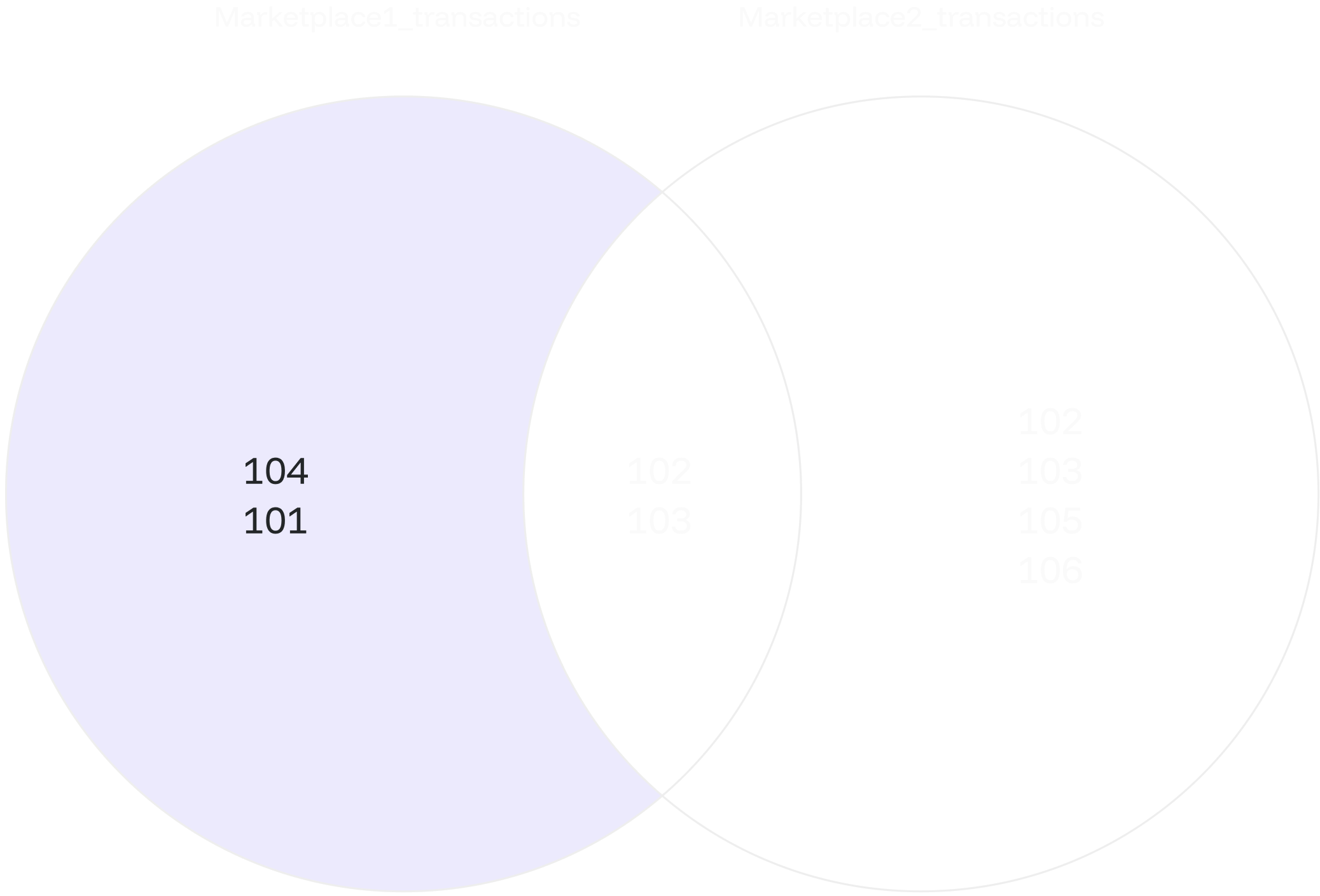
The diagram below shows a list of customer-product pairs found in the first marketplace (`marketplace1_transactions`) but missing in the second marketplace (`marketplace2_transactions`).
## EXCEPT ALL
### Overview
The `EXCEPT ALL` allows you to find rows specific to the first `SELECT` statement while preserving duplicate entries.
### Syntax
The syntax for the `EXCEPT ALL` is similar to `EXCEPT`:
```sql theme={null}
SELECT value1, value2, ... value_n
FROM table1
EXCEPT ALL
SELECT value1, value2, ... value_n
FROM table2;
```
The parameters from the syntax are explained below:
* `value1, value2, ... value_n`: The columns you want to retrieve.
* `table1, table2`: The tables from which you wish to retrieve records.
The data types of corresponding columns in the `SELECT` queries must be compatible.
### Example #1
You aim to identify customers who have bought products from one marketplace but have not purchased from another. Start by creating the tables and populating them with relevant data.
```sql theme={null}
CREATE TABLE marketplace1_transactions (
customer_id INT,
product_id INT,
amount FLOAT
);
CREATE TABLE marketplace2_transactions (
customer_id INT,
product_id INT,
amount FLOAT
);
INSERT INTO marketplace1_transactions VALUES
(101, 1, 100.00),
(102, 2, 150.00),
(103, 3, 200.00),
(104, 1, 120.00);
INSERT INTO marketplace2_transactions VALUES
(102, 3, 180.00),
(103, 2, 160.00),
(105, 4, 90.00),
(106, 1, 110.00);
```
Display the tables using the query below:
```sql theme={null}
SELECT * FROM marketplace1_transactions;
SELECT * FROM marketplace2_transactions;
```
```sql theme={null}
customer_id | product_id | amount
-------------+------------+--------
101 | 1 | 100
102 | 2 | 150
103 | 3 | 200
104 | 1 | 120
customer_id | product_id | amount
-------------+------------+--------
102 | 3 | 180
103 | 2 | 160
105 | 4 | 90
106 | 1 | 110
```
Using the `EXCEPT ALL` to find customers who have purchased products from one marketplace but not from the other:
```sql theme={null}
SELECT customer_id FROM marketplace1_transactions
EXCEPT ALL
SELECT customer_id FROM marketplace2_transactions;
```
This result will show a `customer_id` who has only transacted in the first marketplace and has not engaged in any corresponding transactions in the second marketplace.
```sql theme={null}
customer_id
-------------
104
101
```
The diagram below shows a list of customer-product pairs found in the first marketplace (`marketplace1_transactions`) but missing in the second marketplace (`marketplace2_transactions`).
 ### Example #2
Let’s create two tables, `left_array_values` and `right_array_values`, to hold sets of values.
```sql theme={null}
CREATE TABLE left_array_values (
value INT
);
CREATE TABLE right_array_values (
value INT
);
INSERT INTO left_array_values VALUES (1), (1), (3);
INSERT INTO right_array_values VALUES (1), (2);
```
View the contents of the two arrays before performing the comparison.
```sql theme={null}
SELECT * FROM left_array_values;
SELECT * FROM right_array_values;
```
Upon execution, the tables will appear as follows:
```sql theme={null}
value
-------
1
1
3
value
-------
1
2
```
We will now use the `EXCEPT ALL` operation to compare the values within the arrays, focusing on unique elements while retaining duplicate entries.
```sql theme={null}
SELECT value
FROM left_array_values
EXCEPT ALL
SELECT value
FROM right_array_values;
```
The `EXCEPT ALL` operation processes each element individually from both inputs at a time. The comparison occurs element-wise, leading to the inclusion of both 1 and 3 in the final result.
```sql theme={null}
value
-------
3
1
```
### Example #2
Let’s create two tables, `left_array_values` and `right_array_values`, to hold sets of values.
```sql theme={null}
CREATE TABLE left_array_values (
value INT
);
CREATE TABLE right_array_values (
value INT
);
INSERT INTO left_array_values VALUES (1), (1), (3);
INSERT INTO right_array_values VALUES (1), (2);
```
View the contents of the two arrays before performing the comparison.
```sql theme={null}
SELECT * FROM left_array_values;
SELECT * FROM right_array_values;
```
Upon execution, the tables will appear as follows:
```sql theme={null}
value
-------
1
1
3
value
-------
1
2
```
We will now use the `EXCEPT ALL` operation to compare the values within the arrays, focusing on unique elements while retaining duplicate entries.
```sql theme={null}
SELECT value
FROM left_array_values
EXCEPT ALL
SELECT value
FROM right_array_values;
```
The `EXCEPT ALL` operation processes each element individually from both inputs at a time. The comparison occurs element-wise, leading to the inclusion of both 1 and 3 in the final result.
```sql theme={null}
value
-------
3
1
```